1. Plug USB Flash Drive or USB Hard Drive at the back of the router.
2. Enable guest access to smb
Using PowerShell (Run as Administrator) (Open start menu and search for powershell, then run as administrator)
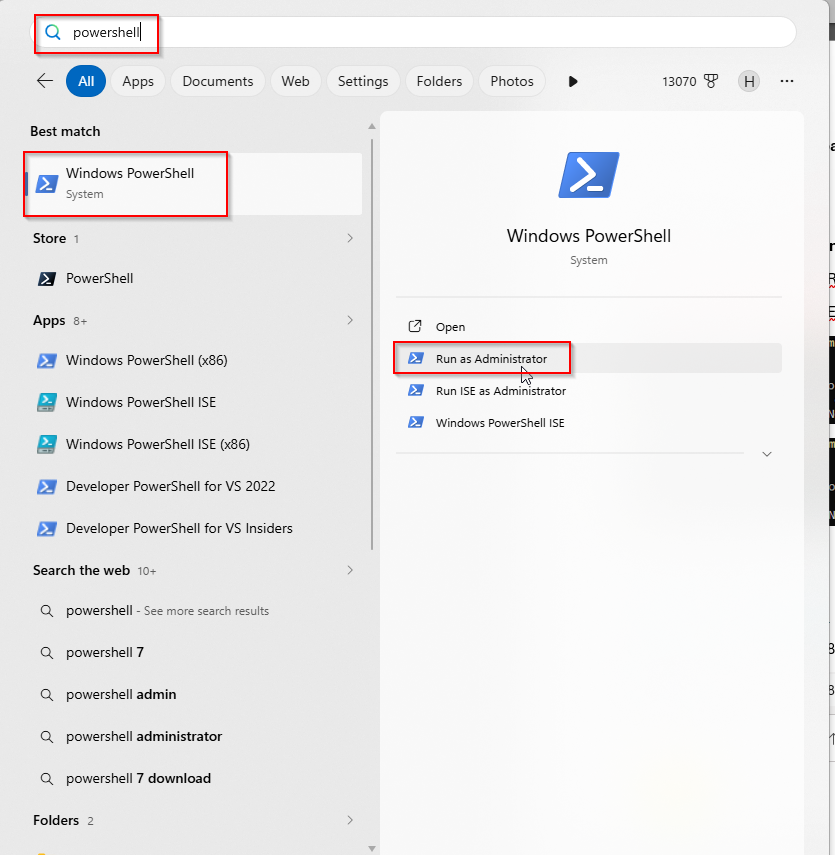
Execute the following powershell commands:
Set-SmbClientConfiguration -RequireSecuritySignature $false

Set-SmbClientConfiguration -EnableInsecureGuestLogons $true

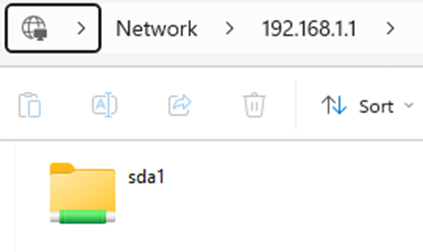
3. Access the following in file explorer:
\\192.168.1.1 or \\192.168.0.1
I changed my router to 192.168.1.1, but I think by default it is 192.168.0.1
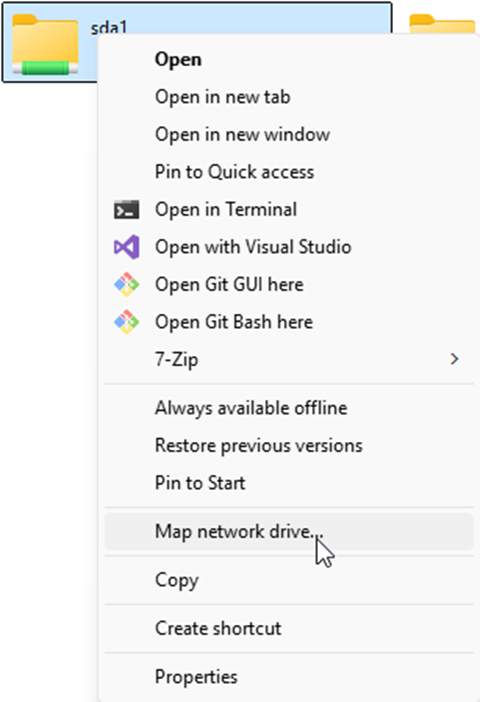
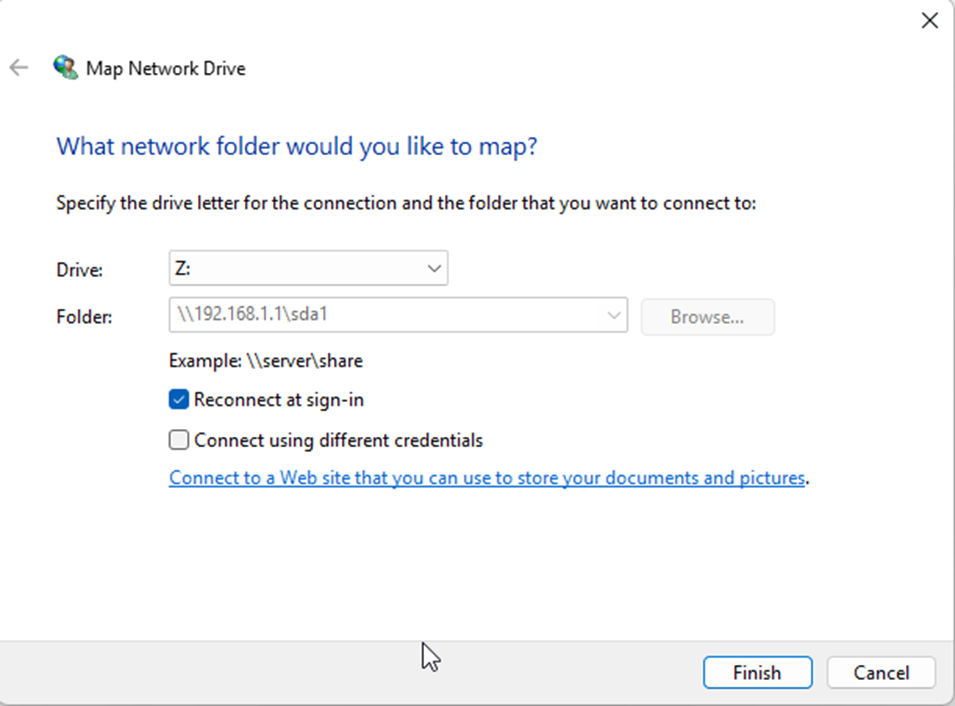
(Optional) You can also map the network drive